 AutoLedger
A full TCO engine
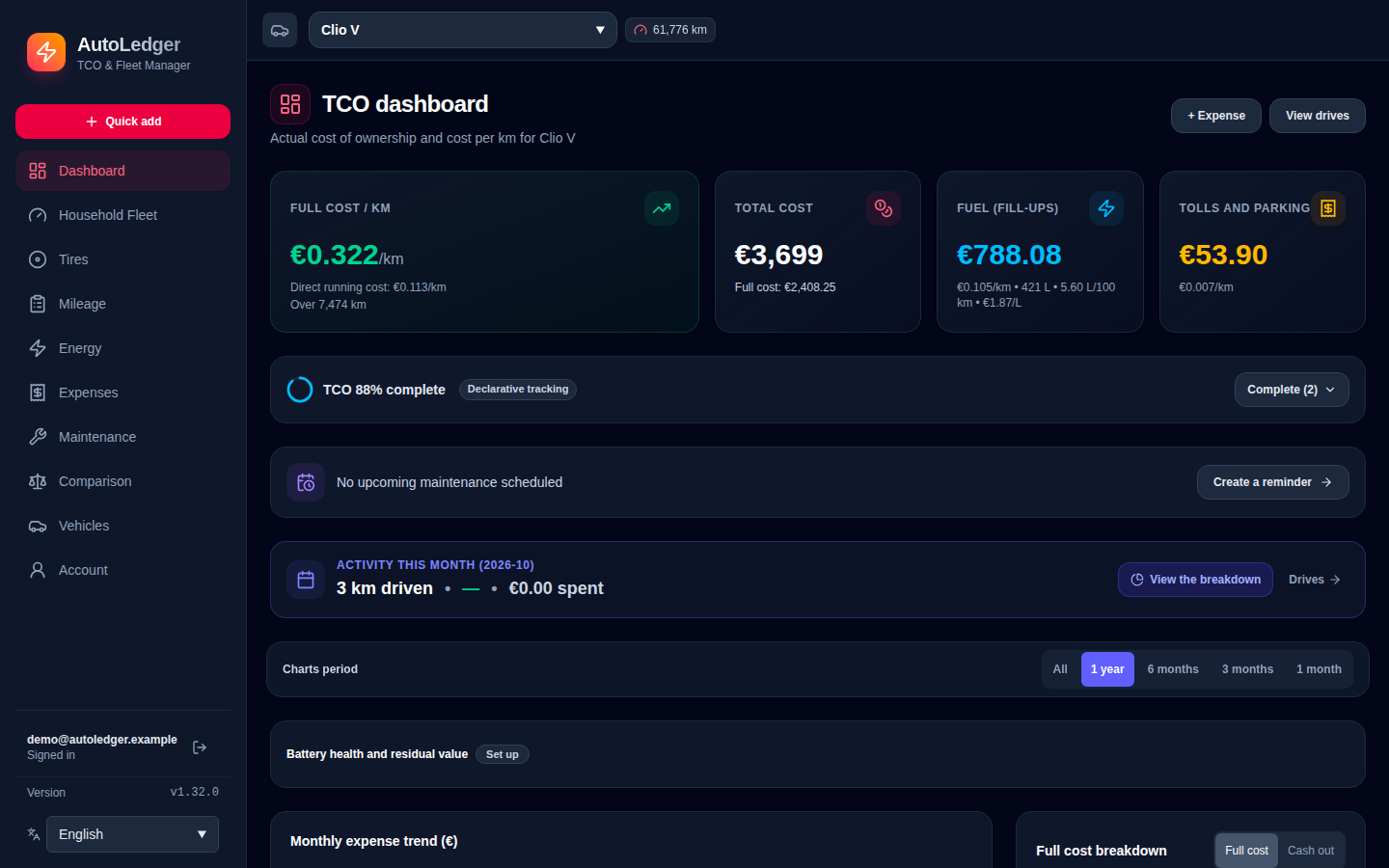
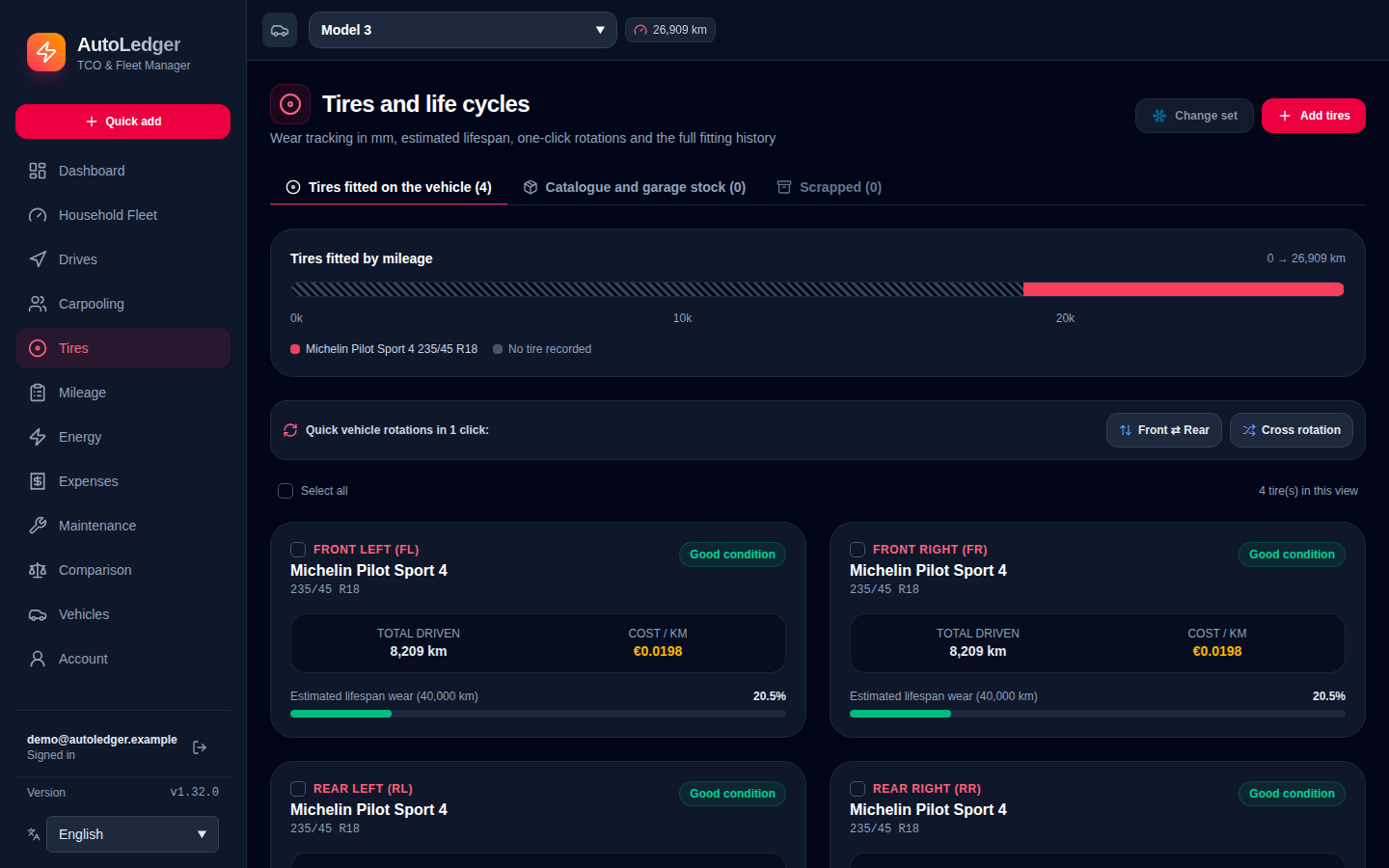
Cash purchase, loan or lease, resale value and the real cost per km, net of carpooling revenue and tire wear.
AutoLedger adds up everything a vehicle costs, to the cent: fuel and electricity, financing, depreciation, tires, tolls, maintenance and insurance. Electric, hybrid or combustion, on your own server.
Features
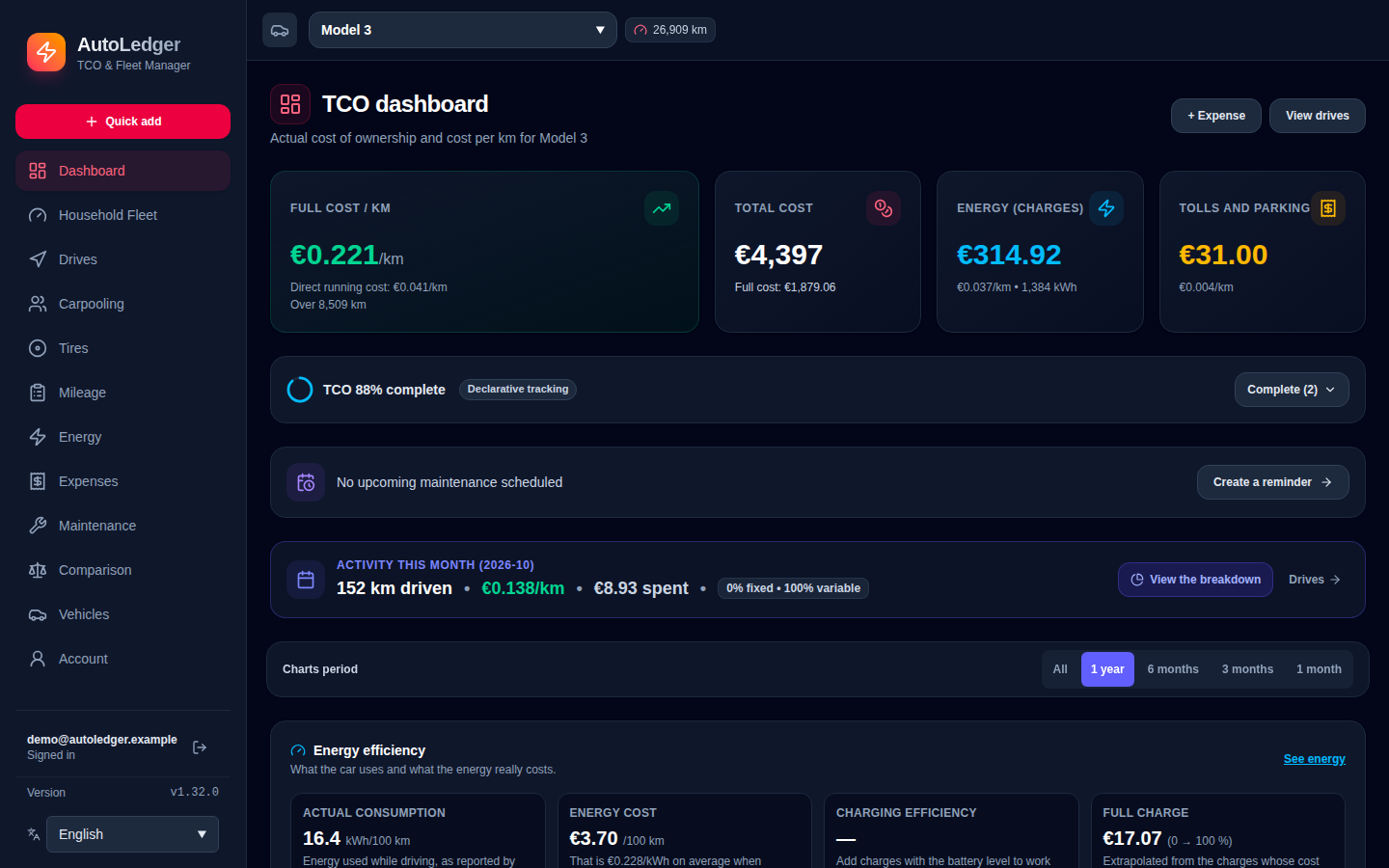
One cost ledger feeds every figure you see, so the cost per km on the dashboard is the sum of what you actually paid.
Cash purchase, loan or lease, resale value and the real cost per km, net of carpooling revenue and tire wear.
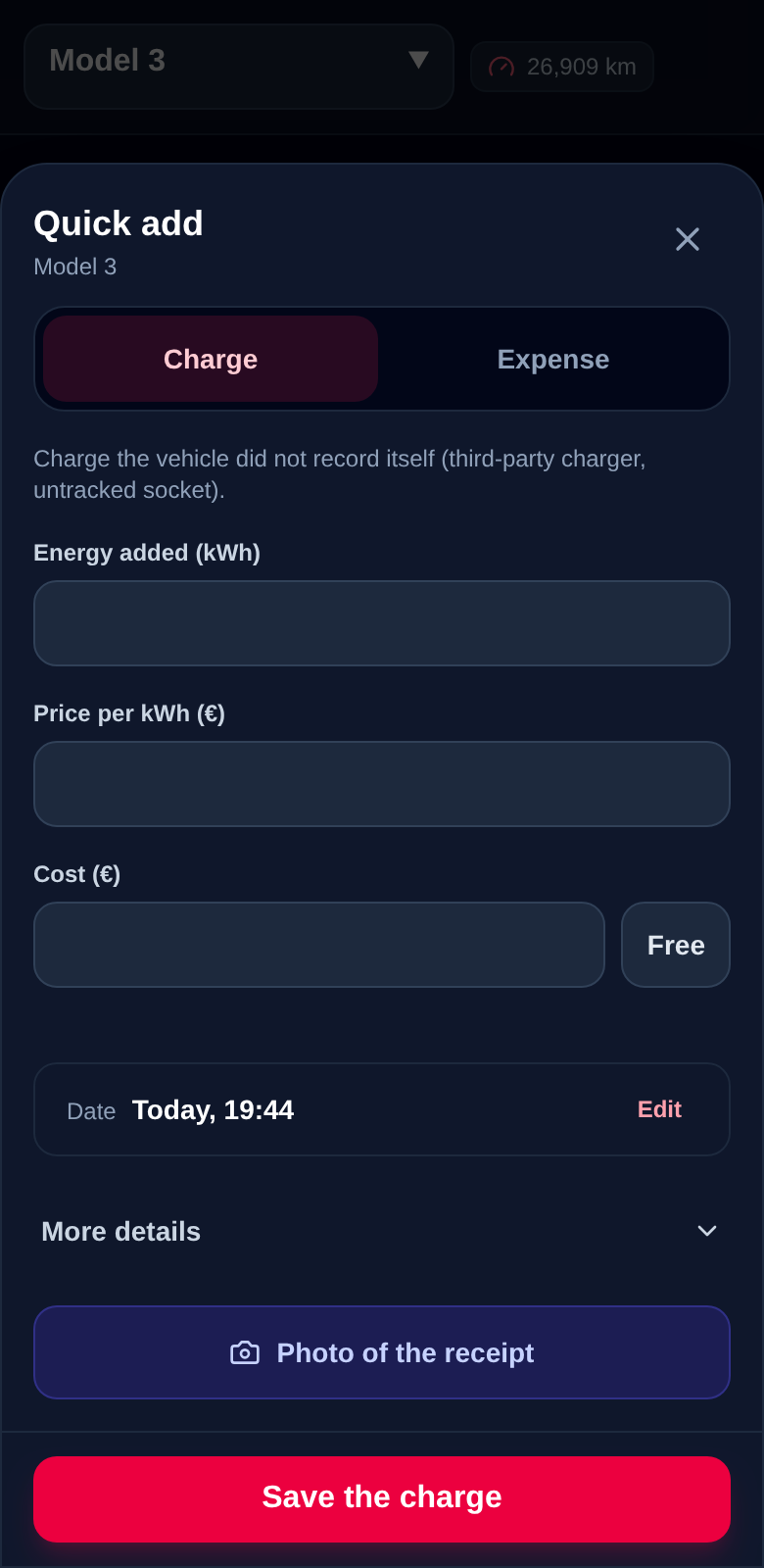
Add data by hand, from your phone, by CSV, through the API or automatically with Home Assistant and TeslaMate.
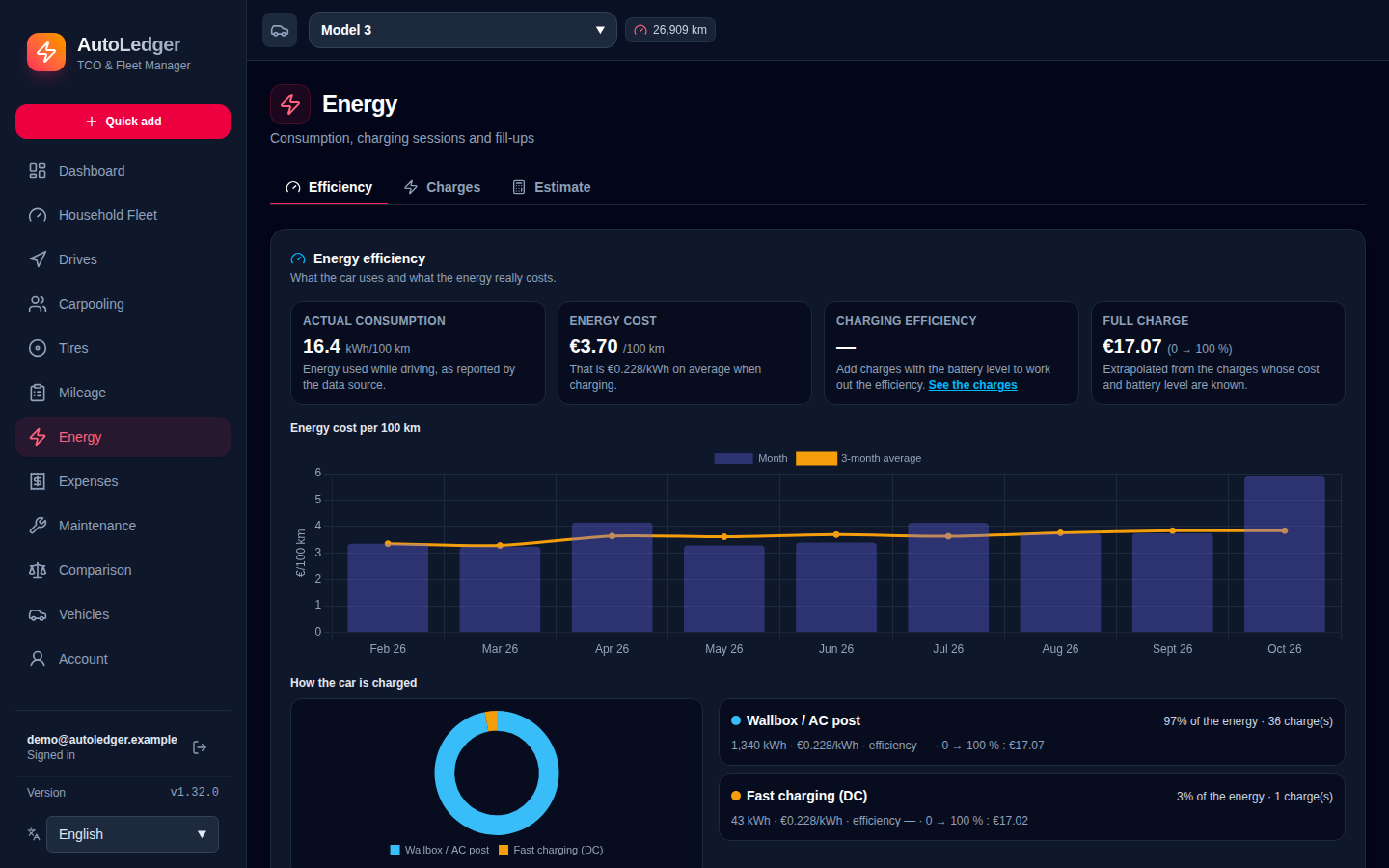
Fill-ups and charging sessions in one place, with flat or time-of-use tariffs applied to each session.
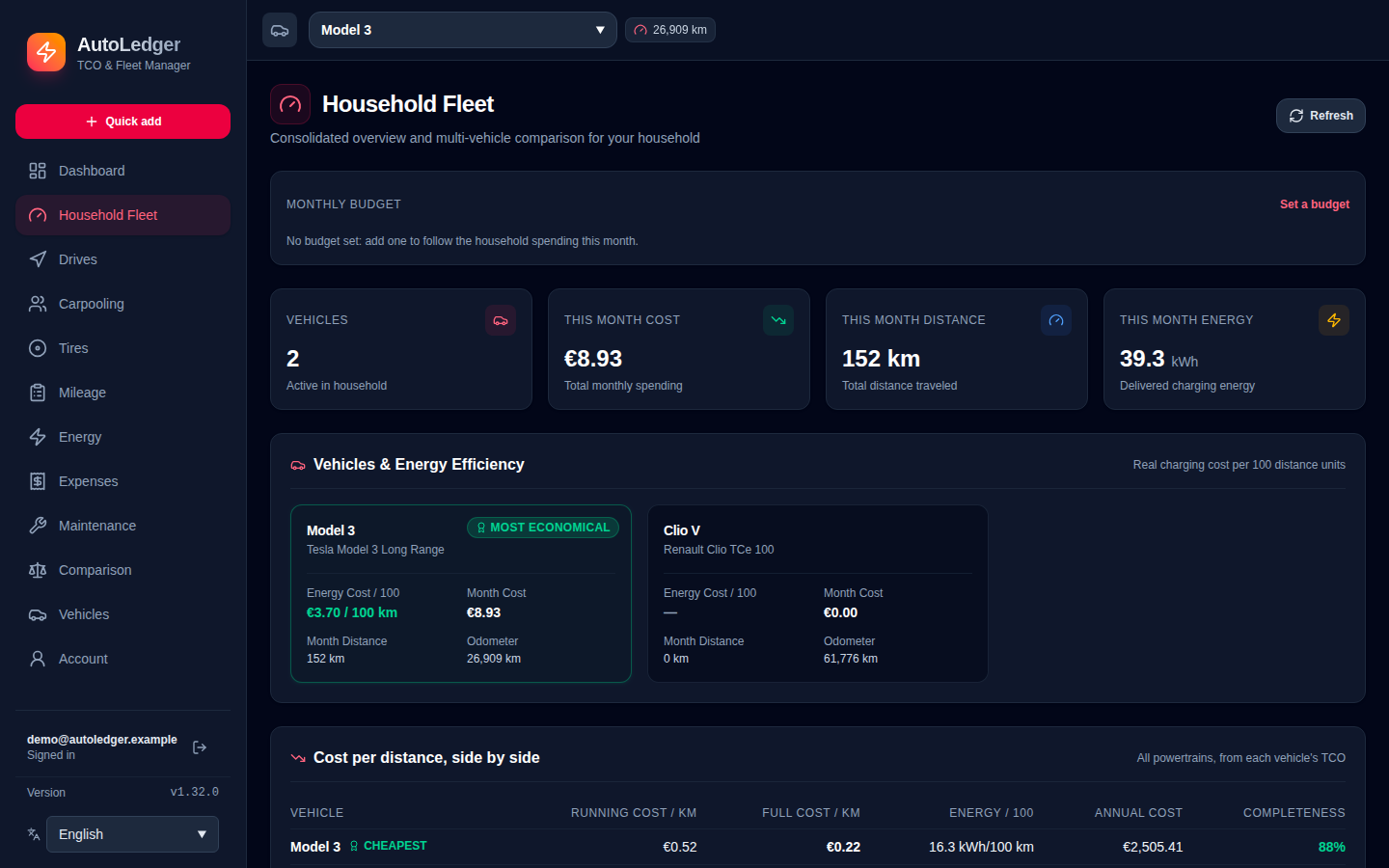
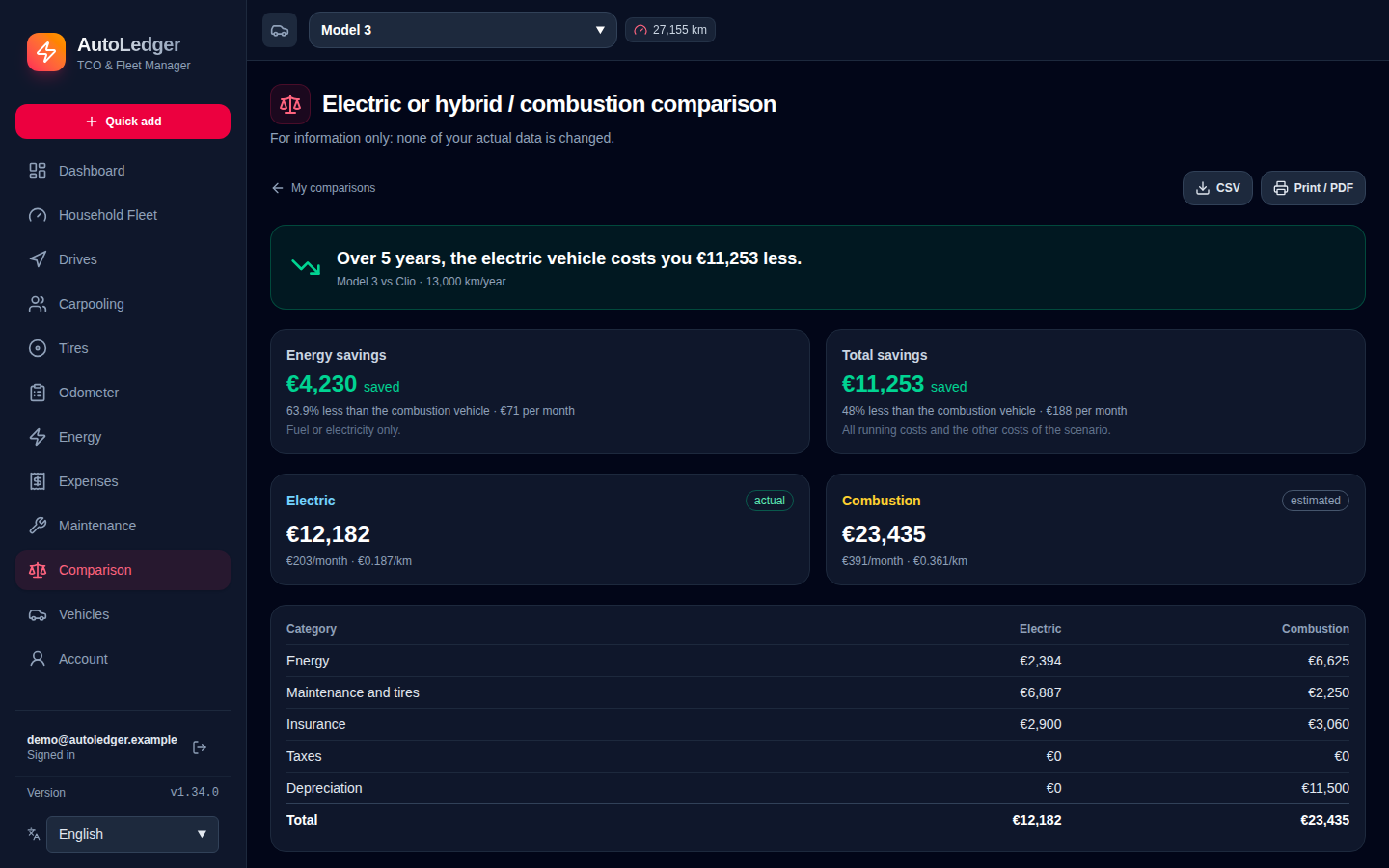
Several vehicles in one account, a fleet dashboard, and electric vs combustion scenarios built from your own data.
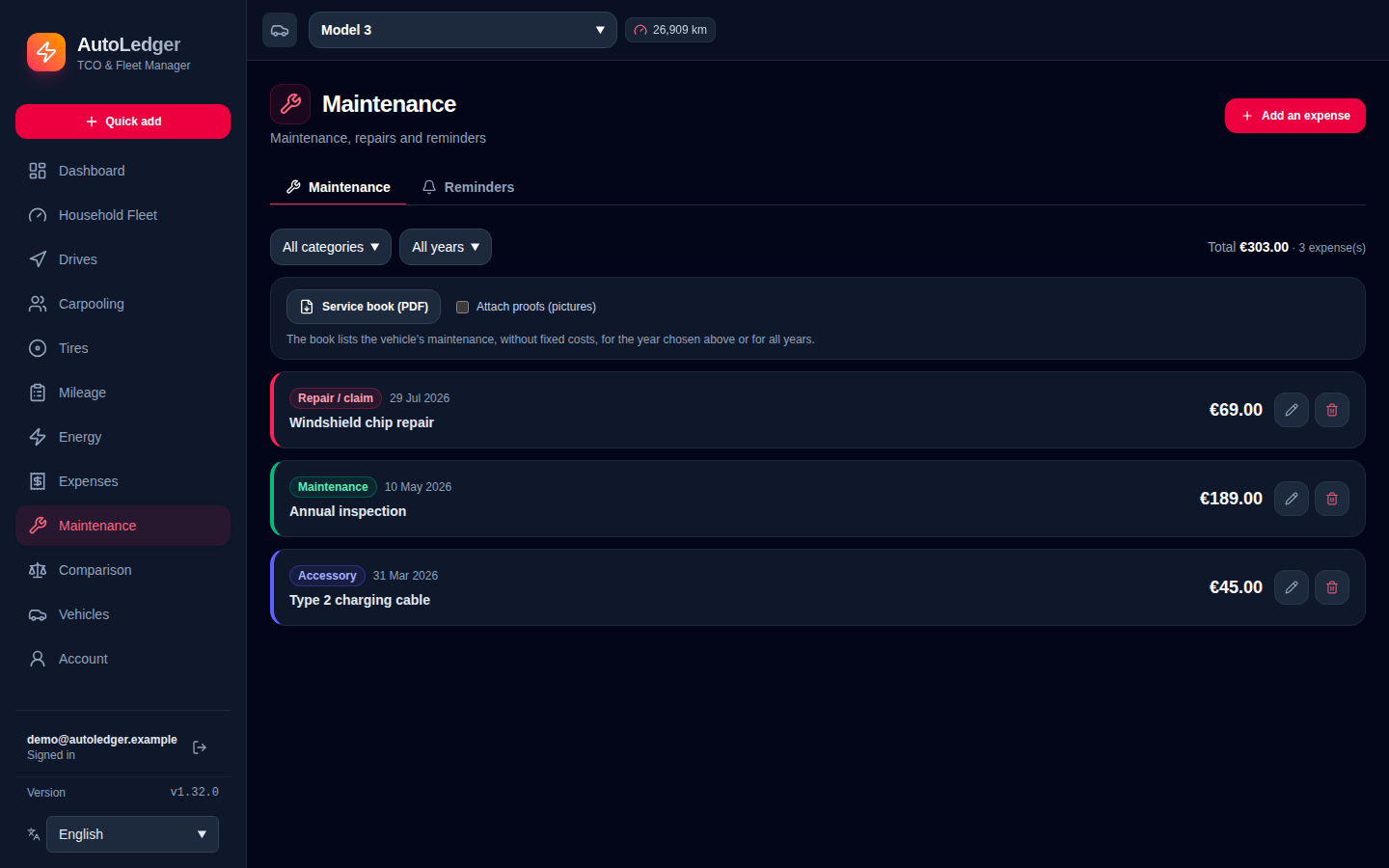
Reminders by date or mileage, sent to Discord, Telegram, Gotify or a webhook. Invoices stay on your server.
Local accounts or OIDC single sign-on, encrypted stored credentials, rate limiting and security headers.
Data sources
Enter it by hand, or let it flow in automatically. AutoLedger is not tied to any brand.
Follows the odometer, trips and battery of your vehicle, and your charges when a wallbox is connected to Home Assistant. Installed through HACS.
For a Tesla already logged by TeslaMate: connect your TeslaMateApi and AutoLedger imports the odometer, trips and charges. No Home Assistant needed.
Assistants
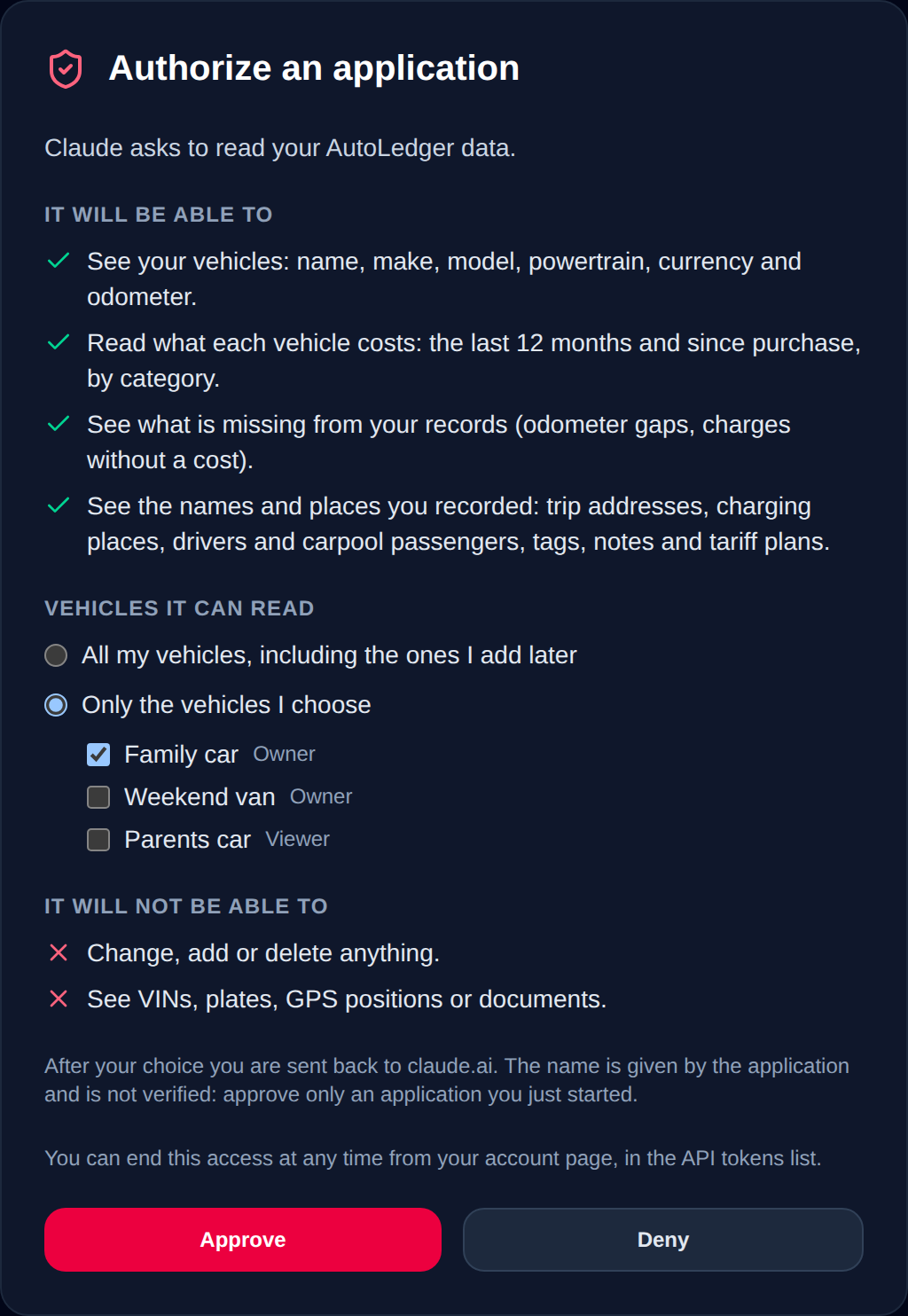
Turn on the MCP endpoint and Claude, Cursor or any MCP client can answer questions about your costs, from your own server.
Screens
Why AutoLedger
| Criterion | AutoLedger | Spreadsheet | Paid SaaS | Manufacturer app |
|---|---|---|---|---|
| Self-hosted, private | Yes | Yes | No | No |
| Any brand and powertrain | Yes | Manual | Often one powertrain | One brand |
| Financing, depreciation, tires, tolls | Yes | Manual | Energy only | No |
| Documents and reminders | Yes | No | Limited | No |
Quickstart
Multi-architecture image (amd64 and arm64) with a bundled PostgreSQL.
$ mkdir autoledger && cd autoledger
$ curl -fsSLO https://raw.githubusercontent.com/Rem7474/AutoLedger/main/docker-compose.yml
$ docker compose up -d # then open http://localhost:8080Go to http://localhost:8080, create your account and add your first vehicle.
Optional: copy .env.example to .env to set your own passwords, SSO or time zone.
Put it behind a reverse proxy for TLS. Backups, restore and upgrades are covered in the README.